
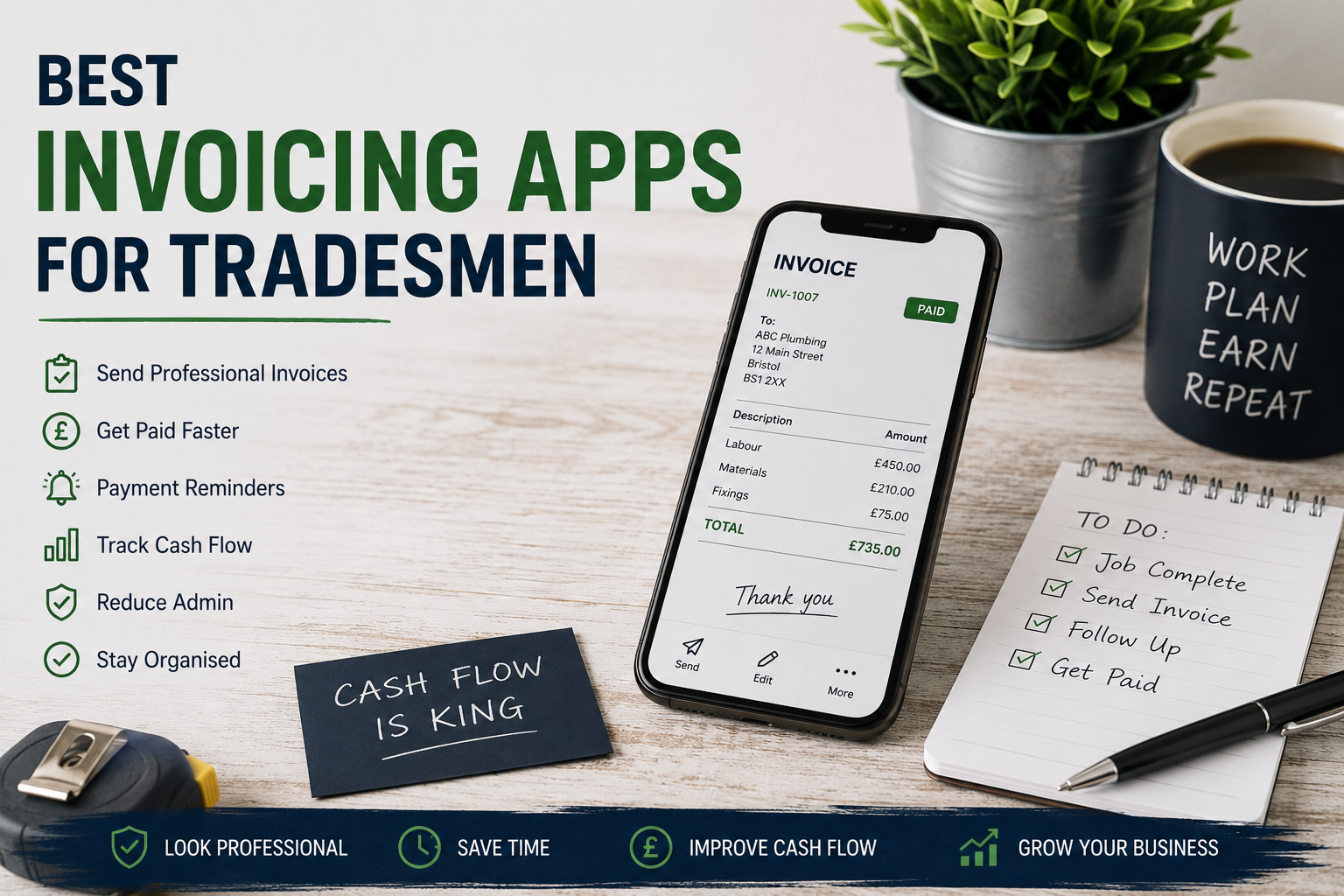
If you’re still sending handwritten invoices, chasing payments through text messages, or trying to remember who owes what from scraps of paper in the van, you’re probably losing money without realising it.
For many tradesmen, invoicing is treated as an afterthought. But poor invoicing systems quietly damage cash flow, delay payments, and create tax headaches later.
A good invoicing app does far more than just send invoices. It helps you:
- Get paid faster
- Track overdue payments
- Look professional
- Stay organised for tax returns
- Improve cash flow
- Reduce admin time
And for tradesmen, cash flow matters more than most realise. In How Self-Employed Tax Works for Tradesmen in the UK, I explained why many self-employed trades struggle financially despite earning decent money. Poor invoicing is often part of the problem.
The good news is that modern invoicing apps are simple, affordable, and can save hours every week.
| App | Best For | Free Trial | Main Strength |
| QuickBooks | Small growing businesses | Yes | Accounting + invoicing together |
| Xero | Established businesses | Yes | Strong bookkeeping |
| Tradify | Trade teams | Yes | Job management |
| Invoice Simple | Sole traders | Yes | Simplicity |
| FreeAgent | Freelancers & sole traders | Yes | Easy cash flow tracking |
What Tradesmen Should Look for in an Invoicing App
Not every app suits the trades.
A plumber running domestic call-outs has different needs to an electrical contractor managing multiple jobs and subcontractors.
Before choosing software, look for:
- Easy invoice creation
- Mobile phone access
- Quote and estimate tools
- Payment reminders
- Expense tracking
- CIS compatibility if needed
- Bank account integration
- Accounting software integration
- Recurring invoices for maintenance contracts
The goal is not to find the fanciest app. The goal is to find one you’ll actually use consistently.
Because consistency is what improves cash flow.
Why Fast Invoicing Matters
Many tradesmen wait days or even weeks before sending invoices.
That delay creates:
- Slower cash flow
- More forgotten jobs
- More awkward payment chasing
- Increased stress
The tradesmen who get paid fastest are usually the ones who invoice immediately after completing work.
Modern invoicing apps make that possible directly from your phone.
And as discussed in The Hidden Cost of Bad Time Management in the Trades, admin chaos quietly destroys profit in many trade businesses.
1. QuickBooks
QuickBooks is one of the most popular choices for UK tradesmen, particularly sole traders and small limited companies.
Best for:
- Small trade businesses wanting accounting and invoicing together
Pros:
- Easy invoice creation
- Tracks expenses automatically
- Connects to bank accounts
- Good mobile app
- Helps with tax returns and MTD compliance
Cons:
- Monthly subscription cost
- Can feel slightly overwhelming initially
QuickBooks becomes particularly useful once your business grows beyond simple invoicing. If you’re unsure whether you should remain a sole trader or go limited, see Sole Trader vs Limited Company for Tradesmen.
2. Xero
Xero is widely used by accountants and works well for organised tradesmen wanting cleaner financial systems.
Best for:
- Tradesmen wanting strong bookkeeping integration
Pros:
- Professional invoices
- Strong reporting features
- Excellent accountant access
- Good automation tools
Cons:
- Slight learning curve
- More expensive than basic apps
Xero works particularly well for trades employing staff or subcontractors because it gives better visibility over business finances.
That matters because many trades confuse turnover with profit, something covered in The First £10,000: A Tradesman’s Financial Turning Point.
3. Tradify
Tradify was designed specifically for trades businesses.
It combines:
- Quotes
- Invoices
- Job scheduling
- Customer management
Best for:
- Electricians, plumbers and maintenance trades
Pros:
- Built for the trades
- Easy scheduling
- Simple mobile use
- Good for small teams
Cons:
- Less powerful accounting features
- Better as a management system than full accounts software
For busy tradesmen juggling multiple jobs, Tradify can massively reduce paperwork and improve organisation. Poor organisation often leads directly to lost profit, something discussed further in The Hidden Cost of Bad Time Management in the Trades.
4. Invoice Simple
Invoice Simple focuses purely on creating and sending invoices quickly.
Best for:
- Sole traders wanting simplicity
Pros:
- Very easy to use
- Fast invoice generation
- Clean professional templates
Cons:
- Limited accounting functionality
- Less suitable for growing businesses
This is ideal if you currently have no invoicing system at all and simply need to start looking more professional immediately.
5. FreeAgent
FreeAgent is popular with freelancers and small business owners across the UK.
Best for:
- Tradesmen wanting straightforward bookkeeping
Pros:
- User-friendly dashboard
- Good tax estimation tools
- Helpful for cash flow tracking
Cons:
- Less trade-specific functionality
- Smaller ecosystem than QuickBooks or Xero
Good invoicing links directly to good cash flow management. If money constantly disappears despite being busy, read Why Most Tradesmen Struggle With Cash Flow.
Features That Actually Matter
Many tradesmen get distracted by fancy dashboards and features they’ll never use.
In reality, the most important features are:
Fast Invoice Creation
The easier it is to invoice, the faster you get paid.
Simple matters.
Payment Reminders
Tradesmen lose thousands through awkwardness and poor follow-up.
Automatic reminders remove emotion from chasing money.
Mobile Access
Most invoicing now happens from:
- Vans
- Job sites
- Customer driveways
Your software must work properly on mobile.
Integration With Accounting Software
As your business grows, bookkeeping becomes more important.
This is especially true once tax, VAT, CIS, and employees enter the picture.
That’s why many tradesmen eventually combine invoicing with accounting software rather than using separate systems.
Should Tradesmen Use Free Invoicing Apps?
Free apps can work initially.
But most serious trades businesses eventually outgrow them.
Free software can be a good starting point, but once your business turnover grows, automation and proper bookkeeping become far more valuable than saving £15–£30 per month.
The problem with free software is usually:
- Limited features
- Poor support
- Branding restrictions
- Lack of automation
If better invoicing saves even one late payment per month, paid software quickly pays for itself.
Frequently Asked Questions
What is the best invoicing app for self-employed tradesmen?
For simplicity, Invoice Simple works well. For growing businesses, QuickBooks and Xero offer stronger accounting features.
Can invoicing apps help with tax returns?
Yes. Many apps track income, expenses, and VAT automatically, making tax returns much easier.
Are free invoicing apps good enough?
They can work for new sole traders, but growing businesses usually benefit from paid software with automation and accounting integration.
Do invoicing apps help tradesmen get paid faster?
Yes. Features like instant invoices, card payments, and automatic reminders often reduce late payments significantly.
My Recommendation
For most UK tradesmen:
- Sole trader starting out → Invoice Simple
- Growing small business → QuickBooks
- Trades team needing scheduling → Tradify
- More established business → Xero
The best software is the one that:
- You understand
- You use consistently
- Helps you get paid faster
Because ultimately, invoicing is not admin.
It’s cash flow management.
And cash flow is survival in the trades.
If you’re trying to improve the financial side of your business overall, also read:
- How Self-Employed Tax Works for Tradesmen in the UK
- Best Accounting Software for Tradesmen
- The Hidden Cost of Bad Time Management in the Trades
- The First £10,000: A Tradesman’s Financial Turning Point
In the trades, profitability often comes down to systems. Small improvements in invoicing, organisation, and cash flow management can completely change the financial health of a business..
Leave a Reply